Understanding WhatsApp Business verification rejected cases
Introduction
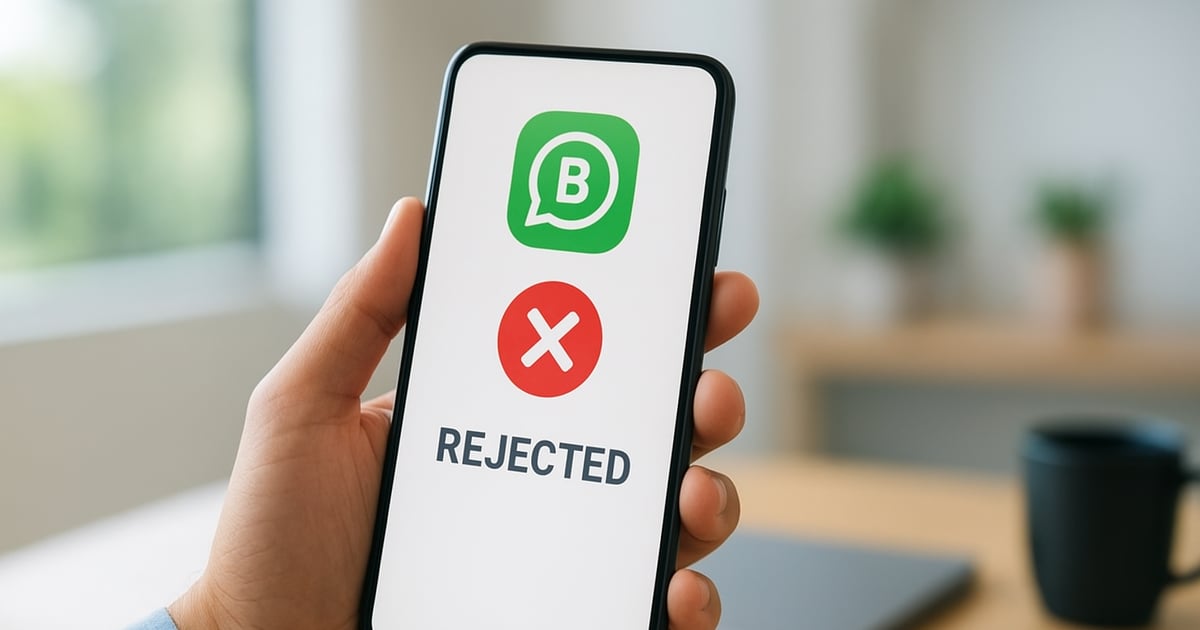
Receiving a notification that your WhatsApp business verification has been rejected can be a frustrating experience. Understanding the underlying reasons behind such rejections is crucial for businesses aiming to establish a credible presence on WhatsApp. This article will explore the common causes of verification rejection, the implications for businesses, and steps to rectify any issues.
Common reasons for WhatsApp Business verification rejection
There are several reasons why WhatsApp may reject a business verification request. Identifying these reasons can help businesses take corrective measures. Here are some prevalent causes:
- Incomplete Business Profile: A business profile lacking essential details can lead to rejection. Ensure all fields such as business name, address, and category are filled out appropriately.
- Inaccurate Information: Mismatched information between your WhatsApp profile and official documents can trigger rejection. Always verify that your business name on WhatsApp matches your registered business name.
- Non-compliance with WhatsApp Policies: Violating WhatsApp’s policies, such as using the platform for prohibited activities, can result in rejection.
- Insufficient User Engagement: Accounts that do not demonstrate a level of activity or engagement may face difficulties in the verification process.
Implications of rejection for businesses
For businesses, failing to achieve verification can have several repercussions:
- Limited Features: Unverified accounts do not have access to certain features, such as WhatsApp Business API, which can limit customer interaction capabilities.
- Trust Issues: Without verification, customers may perceive your business as less credible, affecting brand trust and potentially leading to lost sales.
- Difficulty in Customer Engagement: Customers may hesitate to interact with unverified accounts, reducing the effectiveness of marketing campaigns.
Steps to rectify verification issues
If your WhatsApp business verification has been rejected, follow these steps to improve your chances of success upon re-application:
- Review WhatsApp’s Verification Guidelines: Familiarize yourself with WhatsApp's requirements and ensure your application aligns with their criteria.
- Ensure Accurate Documentation: Prepare and submit accurate business documents that match the information provided in your WhatsApp profile.
- Enhance Engagement: Increase user interaction on your account by actively communicating with customers and updating your business profile regularly.
- Submit a New Application: After addressing the issues, resubmit your verification application, ensuring all details are correct and complete.
Case study về xác minh thành công sau khi bị từ chối
Consider the case of a local coffee shop that initially faced rejection due to an incomplete business profile. They rectified the situation by:
- Completing their profile with accurate business details.
- Improving engagement through promotional campaigns.
- Resubmitting their verification request after two weeks of active usage.
As a result, they successfully obtained verification on their second attempt, allowing them to utilize advanced WhatsApp features for customer engagement.
Conclusion
Understanding the reasons behind a WhatsApp business verification rejected status is essential for businesses aiming to leverage the platform effectively. By ensuring accurate information, complying with policies, and enhancing engagement, businesses can improve their chances of successful verification. If you face challenges, consider seeking professional assistance to navigate the process efficiently.
For more guidance on WhatsApp Business services, contact us today.
Đọc thêm trong English
Công ty nước ngoài ở Việt Nam xác minh doanh nghiệp Meta thế nào?
Công ty nước ngoài đang hoạt động ở Việt Nam muốn xác minh doanh nghiệp với Meta thì cần chuẩn bị gì, hay vướng ở đâu, và nên hiểu đúng lợi ích nào trước khi làm.
Đọc tiếpCần dự tính gì về chi phí Meta Verified WhatsApp Business?
Phí duy trì Meta Verified cho WhatsApp Business hiện là 4 USD/tháng, Meta tự thu qua thẻ. Bài này giúp bạn hiểu đúng khoản phí này để tránh nhầm với các chi phí dịch vụ bên ngoài.
Đọc tiếpHướng dẫn đăng ký Meta Verified cho doanh nghiệp tại Việt Nam
Bài này giải thích Meta Verified cho doanh nghiệp ở Việt Nam có ích gì, cần đáp ứng gì và đăng ký theo cách nào.
Đọc tiếp